

Understanding IBM Power VS

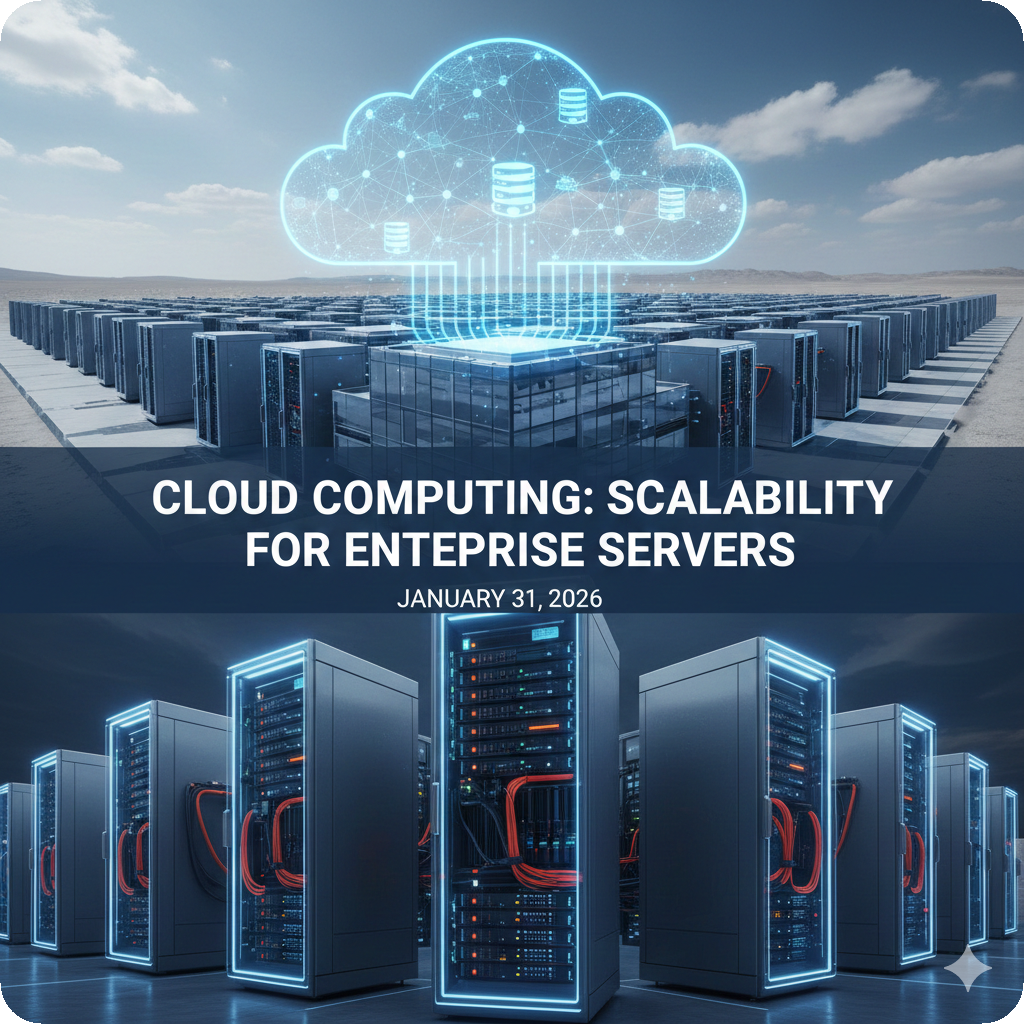
With IBM offering £2,000 in free trial credits, now is an ideal time to explore how Power Virtual Server brings enterprise workloads to the cloud.
IBM Power Virtual Server (PowerVS) represents a significant evolution in how organisations can deploy and manage their Power-based workloads. Rather than requiring on-premises hardware, PowerVS delivers the trusted Power architecture as a cloud service, maintaining full compatibility with AIX, IBM i, and Linux whilst adding the flexibility and scalability benefits of cloud infrastructure.
IBM's current PowerVS2500 promotion, offering $2,500 in free credits for up to 90 days, provides an accessible entry point for organisations looking to understand what PowerVS offers.
What Is IBM Power Virtual Server?
Power Virtual Server is IBM's cloud-based infrastructure service that runs on dedicated Power Systems servers within IBM Cloud data centres. Unlike traditional Infrastructure-as-a-Service offerings that typically use x86 architecture, PowerVS maintains the same Power processor technology found in on-premises Power servers, currently including P10 and P11 systems.
This architectural consistency is crucial for organisations with existing Power investments. Applications running on AIX or IBM i can move to PowerVS without modification, recompilation or compatibility concerns. The same operating system images, the same binaries and the same system behaviour transfer directly to the cloud environment.
PowerVS operates as dedicated infrastructure, meaning your workloads run on Power hardware that isn't shared with other customers' non-Power workloads. This isolation provides consistent performance characteristics and maintains the security boundaries that enterprise applications demand.
Key Capabilities & Architecture
PowerVS virtual machines function similarly to logical partitions (LPARs) on physical Power servers. You can configure processor allocation, memory and storage just as you would with on-premises systems. The service supports both shared and dedicated processor pools, enabling flexible resource allocation based on workload requirements.
Storage options include block volumes for databases and application data, as well as shared storage pools for file-based workloads. Both storage types support features like snapshots for backup purposes and replication for disaster recovery scenarios. Performance tiers allow you to match storage characteristics to specific application needs, from general-purpose workloads to high-IOPs database requirements.
Networking in PowerVS provides private connectivity between instances within the same environment, as well as options for connecting to on-premises infrastructure. IBM Cloud Direct Link enables private network paths from your data centre to PowerVS instances, avoiding the public internet entirely.
Common Use Cases
Disaster recovery remains one of the most common PowerVS implementations. Rather than maintaining duplicate on-premises infrastructure that sits largely idle, organisations can replicate critical systems to PowerVS. This approach reduces capital expenditure whilst ensuring business continuity capabilities exist when needed.
Development and test environments also benefit from PowerVS's on-demand model. Development teams can provision temporary instances for testing new releases, validating patches or conducting proof-of-concept work without consuming production capacity or requiring dedicated hardware purchases. Once testing completes, resources can be deprovisioned to avoid ongoing costs.
Application modernisation projects increasingly leverage PowerVS as a bridge environment. Legacy applications can move to the cloud without immediate rewriting, buying time for modernisation efforts whilst gaining cloud benefits like automated backup, flexible scaling and geographic distribution.
For IBM i specifically, PowerVS supports migration paths from older hardware without requiring parallel infrastructure investments. Organisations running P05-tier systems can use PowerVS for phased migrations, with the current promotion offering free cloud consumption during the transition period.
How PowerVS Differs from On-Premises Power
Whilst PowerVS maintains architectural compatibility, the operational model differs from managing physical Power servers. Resource provisioning happens through APIs and web interfaces rather than hardware management consoles. Capacity planning shifts from three-to-five-year hardware refresh cycles to more dynamic allocation based on current needs.
Infrastructure automation becomes more accessible with PowerVS. Terraform templates and other infrastructure-as-code tools can define entire environments, enabling consistent deployments across development, test and production. IBM's QuickStart option provides pre-configured templates for common scenarios, further reducing setup complexity.
Cost structures also differ fundamentally. Rather than large upfront capital expenditure for hardware, PowerVS operates on a consumption-based model. You pay for the resources you use each month, including compute hours, storage capacity and data transfer. This shift from capital to operational expenditure can affect budgeting and financial planning processes.
Key Considerations for PowerVS Adoption
Network connectivity deserves careful attention when planning PowerVS deployments. Latency between on-premises systems and cloud instances can impact applications designed for local area network speeds. Direct Link connections help mitigate this, but application architectures may need review to ensure acceptable performance.
Licensing models vary depending on your specific software stack. Some IBM software licensing transfers to PowerVS under existing agreements, whilst other vendors may have cloud-specific terms. Reviewing license portability early in the planning process helps avoid unexpected costs.
Data sovereignty and compliance requirements may influence PowerVS deployment decisions. IBM operates PowerVS in multiple global regions, allowing organisations to select locations that align with regulatory requirements. However, understanding data residency rules specific to your industry and geography remains essential.
Getting Started with the PowerVS2500 Promotion
The current PowerVS2500 promotion provides a practical way to gain hands-on experience without financial commitment. The $2,500 credit allocation typically supports a moderately-sized test environment for the full 90-day trial period, though exact duration depends on the resources provisioned.
To activate the promotion, log into the IBM Cloud console and navigate to the billing section. Enter the promotional code "POWERVS2500" in the credits area and the allocation applies to subsequent PowerVS consumption. The credits cover virtual server instances, storage, networking and supporting cloud services across all PowerVS-enabled regions.
For organisations new to cloud deployments, starting with a non-critical workload makes sense. A development database, test application, or disaster recovery replica allows you to understand PowerVS operations without production risk. IBM's QuickStart templates can accelerate initial provisioning, whilst manual configuration options provide greater control for specific requirements.
Power Virtual Server represents an evolution in how organisations can leverage their Power investments whilst gaining cloud infrastructure benefits. Whether you're exploring disaster recovery options, seeking development capacity, or planning broader cloud migration strategies, understanding PowerVS capabilities helps inform infrastructure decisions. The PowerVS2500 promotion removes financial barriers to that exploration, making it an opportune time to evaluate how cloud-based Power infrastructure might fit your organisation's needs.